This is a website and app where those of us who enjoy NARUTO and BORUTO today bring our feelings together and celebrate every day.
Together with fans around the world, you can follow the day's topics on Home, visit places from the series on the Spot Map, share reactions and columns in the Forum, and keep the goods you collected in your Collection.
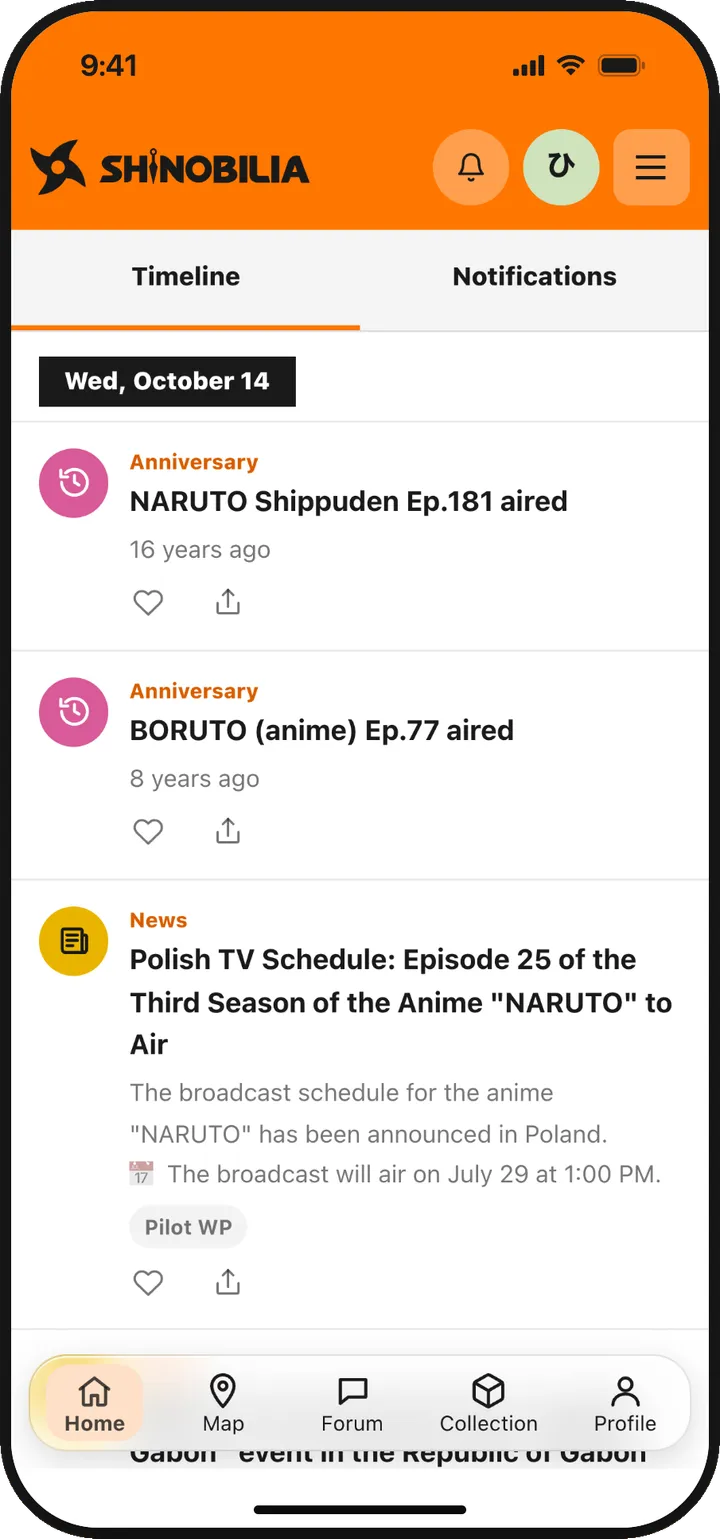
What you can do on SHINOBILIA
-
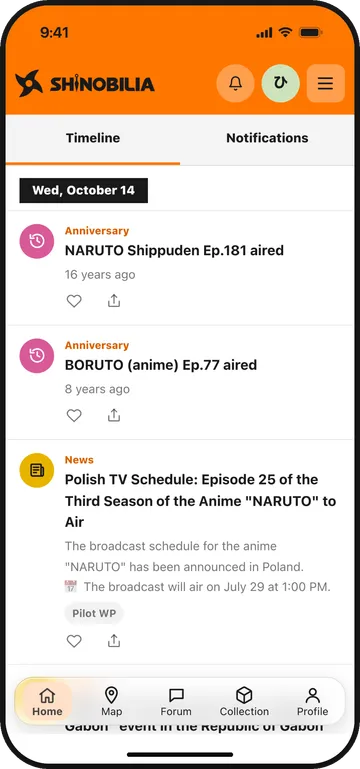
Home
A timeline where new posts, news, and today's anniversaries flow in every day.
-
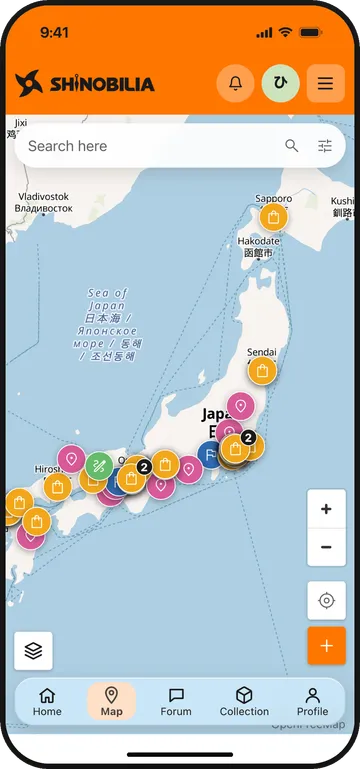
Spot Map
Find places connected to the works on the map, and keep the places you visited as your own records. Members can also add spots.
-
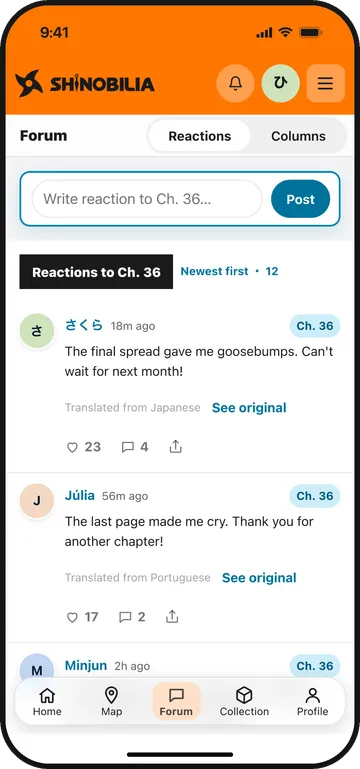
Forum
A place to share thoughts on each chapter and write columns not tied to any specific chapter. Share your impressions as soon as a chapter is released.
-
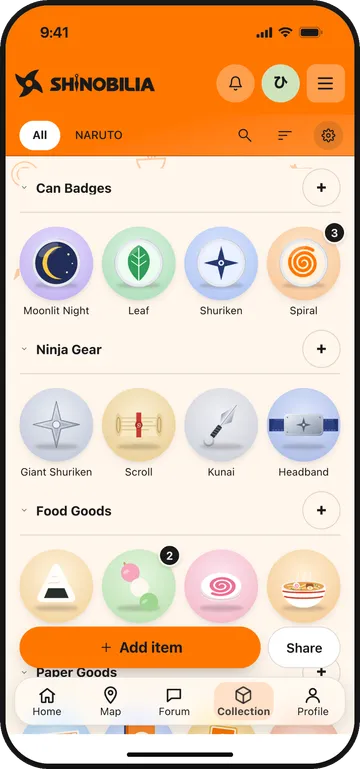
Collection
A place to record, publish, and share your treasured goods.
- Fan Memoirs Where everyone's stories line up. Each person leaves behind, one by one, the moment they fell for NARUTO or BORUTO.
- News NARUTO and BORUTO news collected daily, so you can read the key points.
- Announcements from SHINOBILIA Announcements from SHINOBILIA. New features and requests are posted here.
- Profile Your My Page. Editing your profile, a list of what you've written, and your settings all gather here.
How to get started
-
Read
Take a look at the Columns and the Timeline.
-
Write
As a member, you can post reactions and columns in the forum, record and publish your goods in your collection, and register your visits on the spot map. Everything you post gathers on your profile.
-
Grow
Your profile is "a place where what you write elsewhere comes together." The more you write, the more your page grows.
-
Connect
Replies to your reactions and likes. Loosely connect with people who love the same series.
The app (iOS & Android) is now available
You can add it to your Home Screen
Download the SHINOBILIA app from the App Store and Google Play.
Just tap the icon on your Home Screen to launch it.




On iPhone and iPad
Open this site in Safari (please view this guide in Safari too)
Tap the Share button (the square with an arrow pointing up) at the bottom of the screen
Scroll down the list and tap "Add to Home Screen"
Tap "Add" in the top right to finish
Browsers other than Safari, such as Chrome and Edge, use the same Share button. If you cannot find it, open the page again in Safari.
On Android
Open this site in Chrome (please view this guide in Chrome too)
Tap the ⋮ (three dots) in the top right of the screen
Tap "Add to Home Screen" or "Install app" from the menu
Follow the prompt and tap "Add" or "Install" to finish
Browsers other than Chrome — Samsung Internet, Microsoft Edge, Firefox and others — can do the same from their menu. The wording differs: Add to Home screen, Install app, or Add page.
Sign up or log in to get started and explore whatever interests you.
Sign up / Log in* This is an unofficial fan site. NARUTO / BORUTO are the property of Masashi Kishimoto, Shueisha, Mikio Ikemoto, and Ukyo Kodachi. This site has no affiliation with the rights holders.